Quotation & tender documents
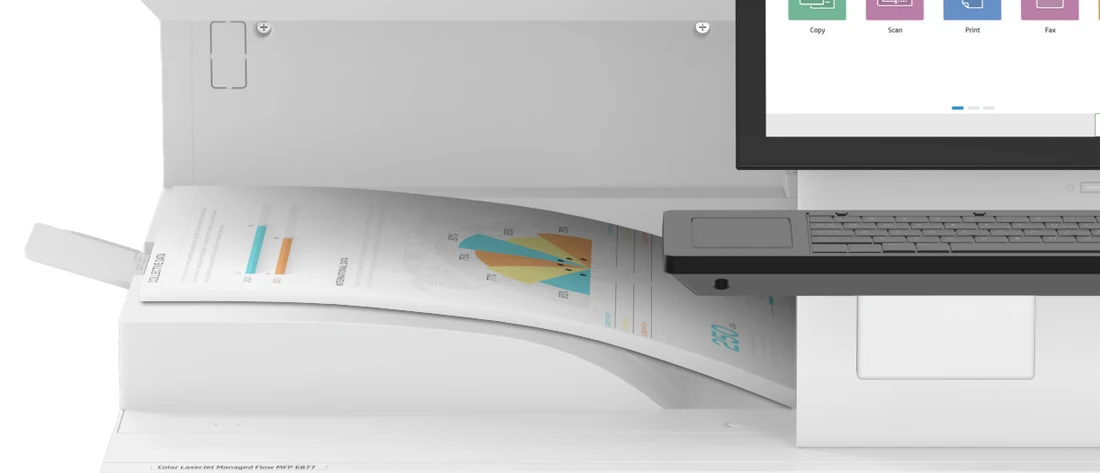
Brochures, specifications, warranty letters and compliance tables prepared to your sebutharga or tender format.
Kuching, Sarawak · 01°33′N 110°20′E
From one printer for a small shop to a fleet for a whole ministry — HPMDS supplies, leases and looks after your office tech in Sarawak. Backed by 37 years of hands-on experience.
Made for you
Ministries, big companies and small shops buy differently. Pick yours and see what we do for you.
Brochures, specifications, warranty letters and compliance tables prepared to your sebutharga or tender format.
MOF-registered Bumiputera supplier, with UPK Class C for Sarawak State work.
Delivery order, installation and acceptance signed at each office listed in the contract.
Printers, PCs and licences on one monthly agreement with clear service levels.
Monthly usage, cost per department and toner tracking in one report.
Planned upgrades, secure data wipe and asset register handled for you.
One A4 multifunction printer, set up on your Wi-Fi, with toner on call — buy it or pay monthly.
A business laptop set up with Microsoft 365 and email, ready to use on day one.
Original toner for any brand. WhatsApp us the printer model and we will send a quote.
Chapter 01 / 05
The people behind HPMDS begin their careers in the office-equipment trade — copiers, printers and the consumables that keep them running.
Photostat machines go digital. Our team learns every generation of the hardware, and the service discipline that comes with it.
Printers join the network and PCs fill every desk. Our people move with them — from toner to workstations.
Organisations stop buying machines and start buying outcomes: leased fleets, managed print and predictable monthly costs.
Decades of experience under one name in Kuching — registered with UPK Class C and MOF as a Bumiputera company, ready for Federal, State and enterprise work.
02 — Solutions
Hardware, consumables, licences and the service contract that ties them together — quoted the way procurement needs it.
A3/A4 mono and colour MFPs — copy, print, scan, fax — sized to each department's monthly volume.
Desktop to department, plus wide-format for plans and posters.
Original consumables for HP and every major brand, ready for sebutharga and bulk supply.
Business-grade fleets, imaged and delivered ready to log in.
Certified for engineering, survey and design workloads.
Auto toner replenishment, meter reads and service tickets — before anyone notices.
Windows, Microsoft 365 and Office licences, supplied properly.
years of trade experience behind every quotation
02b — Featured HP models
A 6 models
HP LaserJet Managed — A4 desk printers to A3 production MFPs.
Touch-free & secure print solutions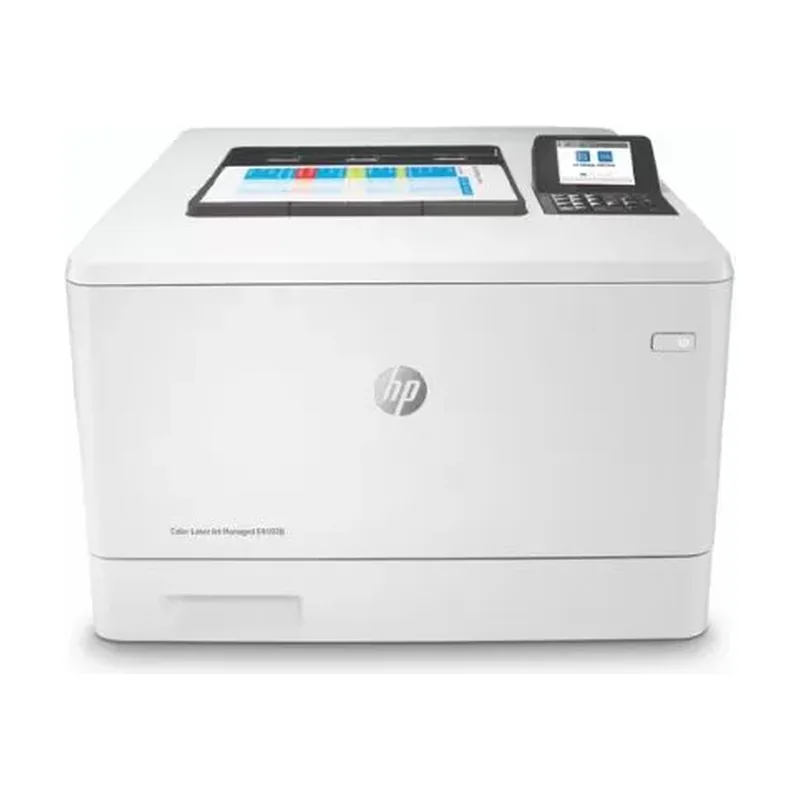 Mono · A4
Printer · Up to 40 ppm
Fast duplex desktop printer for busy counters and offices.
Quote this model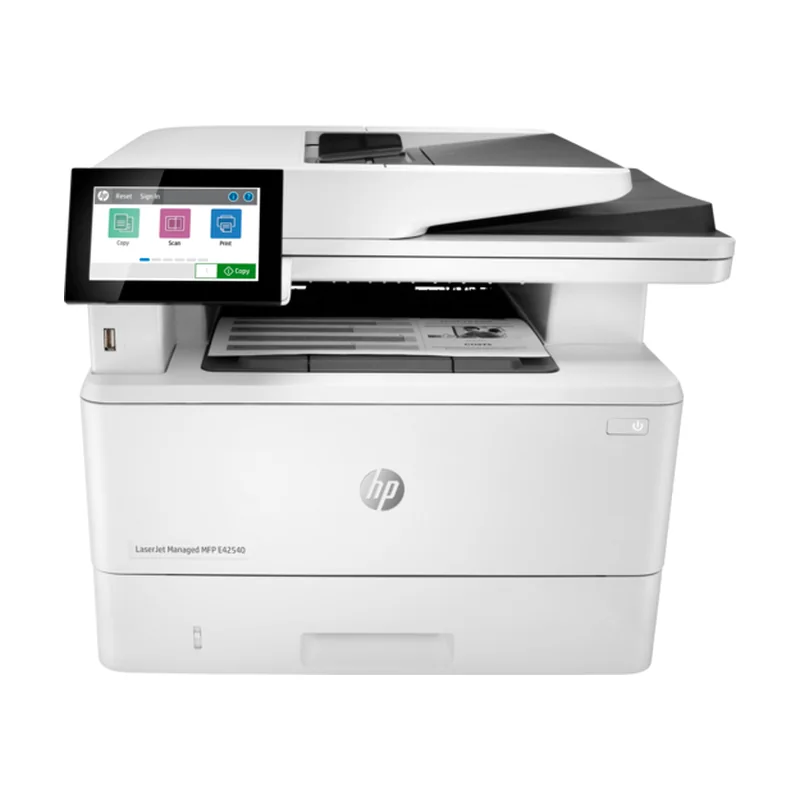 Mono · A4
MFP · Up to 40 ppm
Print, copy, scan and fax in a compact A4 footprint.
Quote this model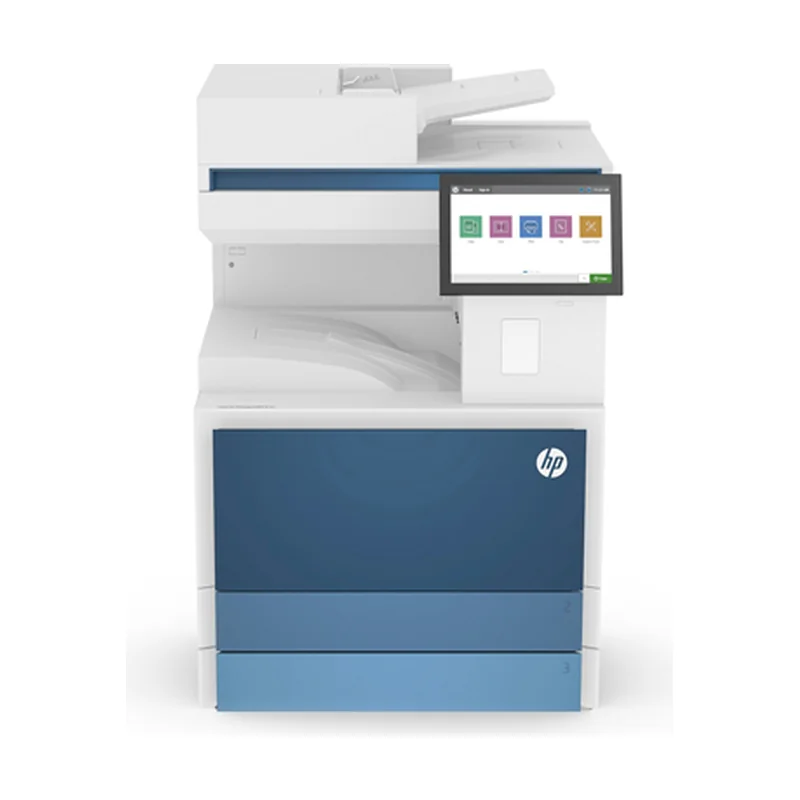 Mono · A3
MFP · 30–40 ppm
A3 mono photostat for departments — E73130 / E73135 / E73140.
Quote this model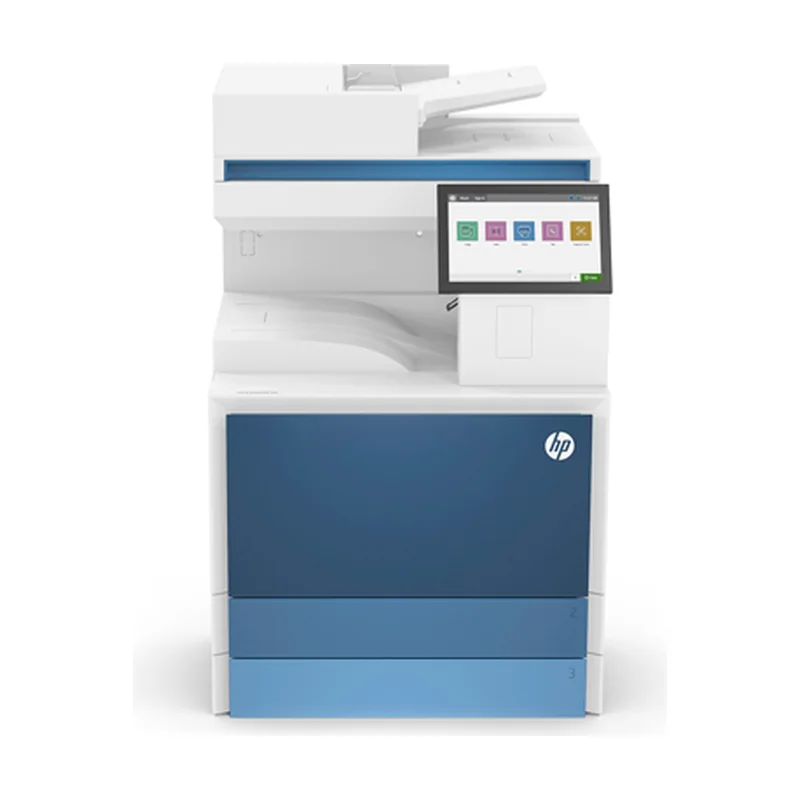 Mono · A3
MFP · 50–70 ppm
High-volume A3 mono workhorse — E82650 / E82660 / E82670.
Quote this model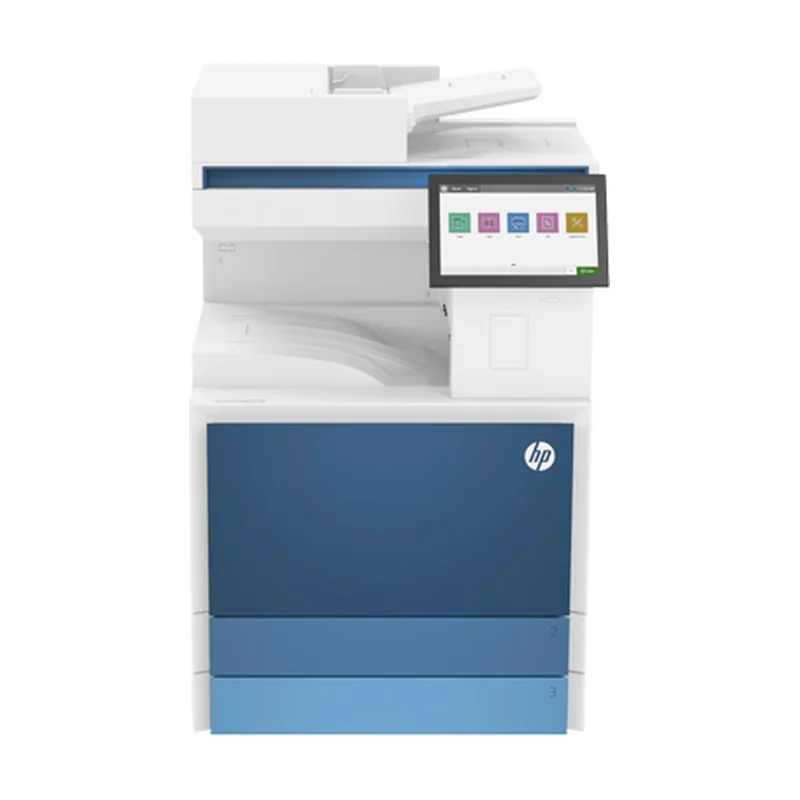 Colour · A3
MFP · 25–35 ppm
A3 colour MFP for everyday departmental colour — E78625 / E78630 / E78635.
Quote this model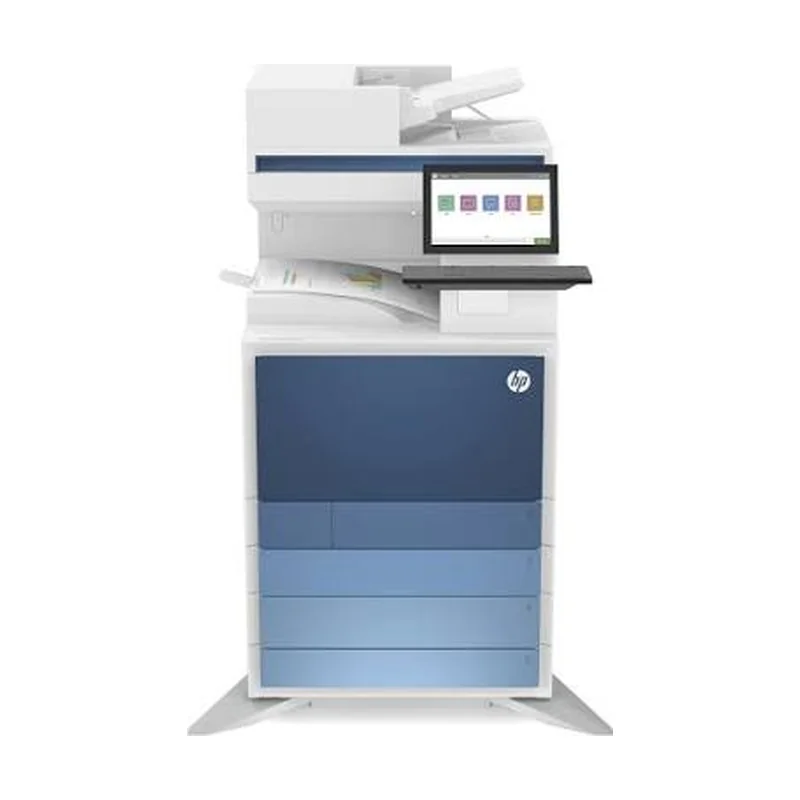 Colour · A3
MFP · 40–70 ppm
Flagship A3 colour production MFP — E87740 / E87750 / E87760 / E87770.
Quote this modelB 6 models
HP ProBook, EliteBook, ZBook and ZGX — from everyday desks to on-premises AI.
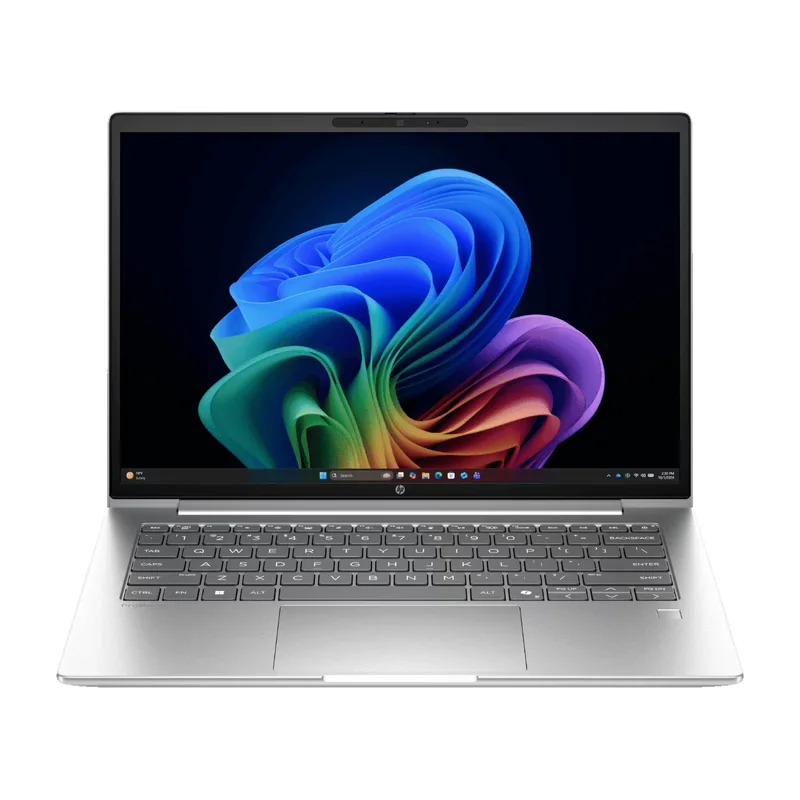 14" · Business
Intel Core Ultra 5 / 7 · up to 64 GB
Everyday AI-ready business notebook with a 16:10 WUXGA screen — the dependable choice for department-wide roll-outs.
Quote this model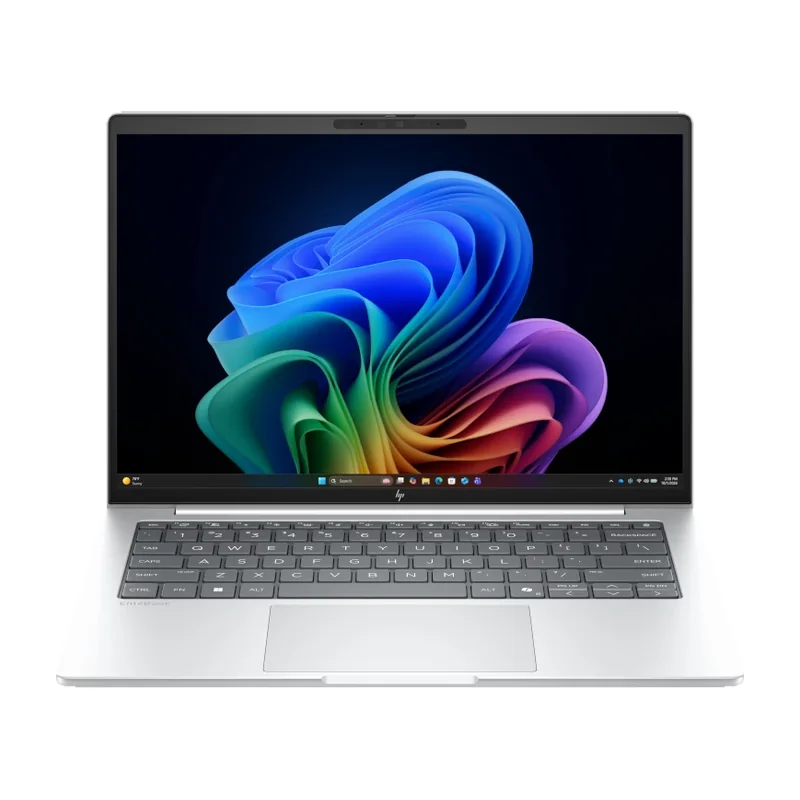 14" · Premium
Intel Core Ultra 5 / 7 · up to 64 GB
Premium hybrid-work notebook: 400-nit anti-glare display, 68 Wh battery and business-grade security for managers and officers.
Quote this model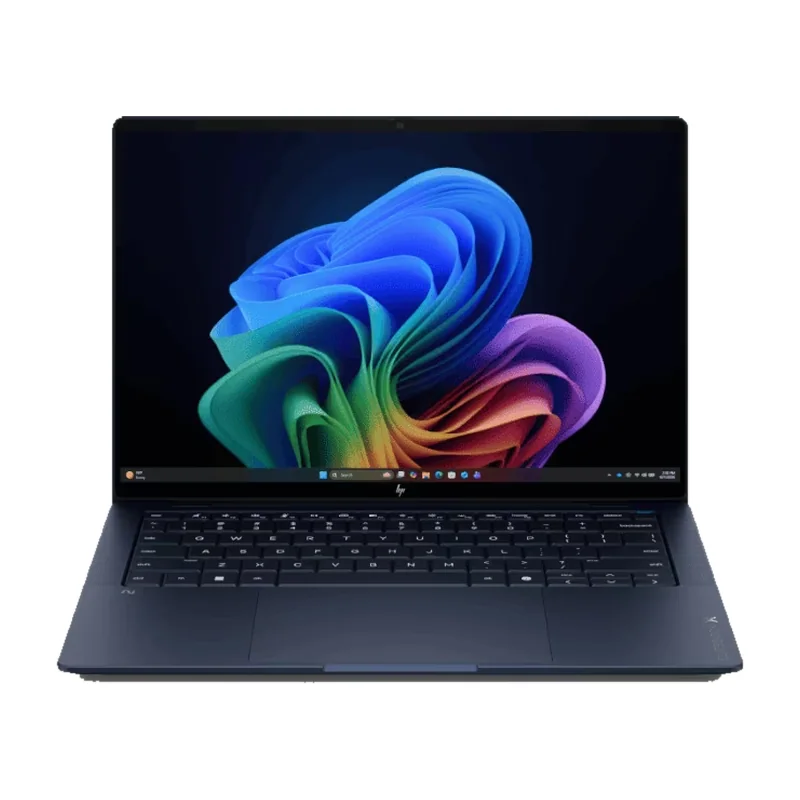 14" · Flagship
Intel Core Ultra · about 1 kg
Flagship ultralight with OLED display options — built for directors, executives and staff who travel.
Quote this model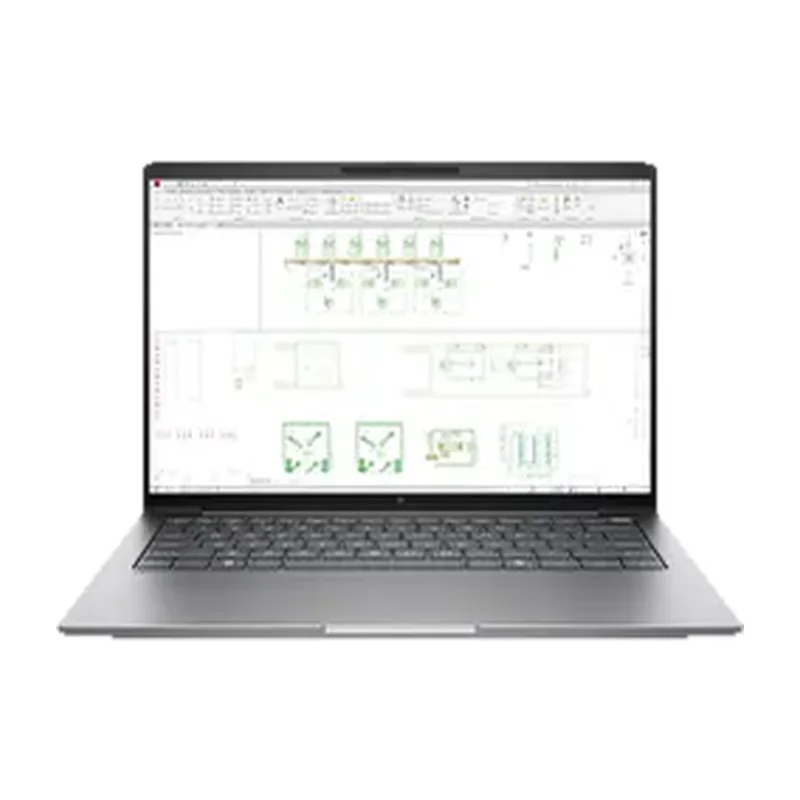 14" · Workstation
Core Ultra 7 · NVIDIA RTX PRO Blackwell
Compact mobile workstation with RTX PRO graphics and a colour-accurate 120 Hz 2.5K screen — CAD, GIS and design on the move.
Quote this model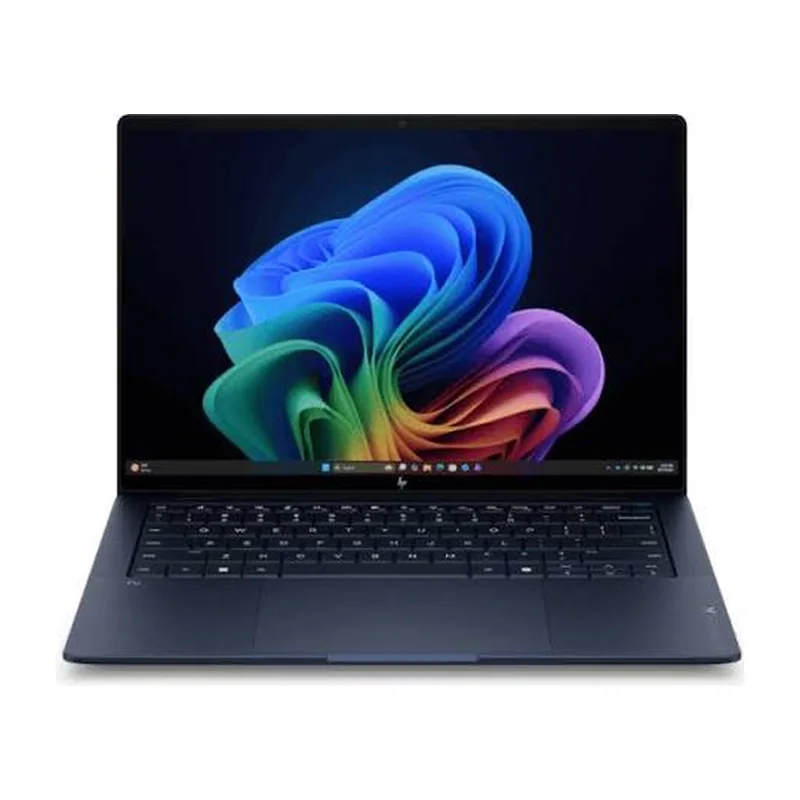 16" · Workstation
Core Ultra 7 · NVIDIA RTX PRO Blackwell
Big-screen power workstation, up to 4K display and RTX PRO graphics for engineering, rendering and video.
Quote this model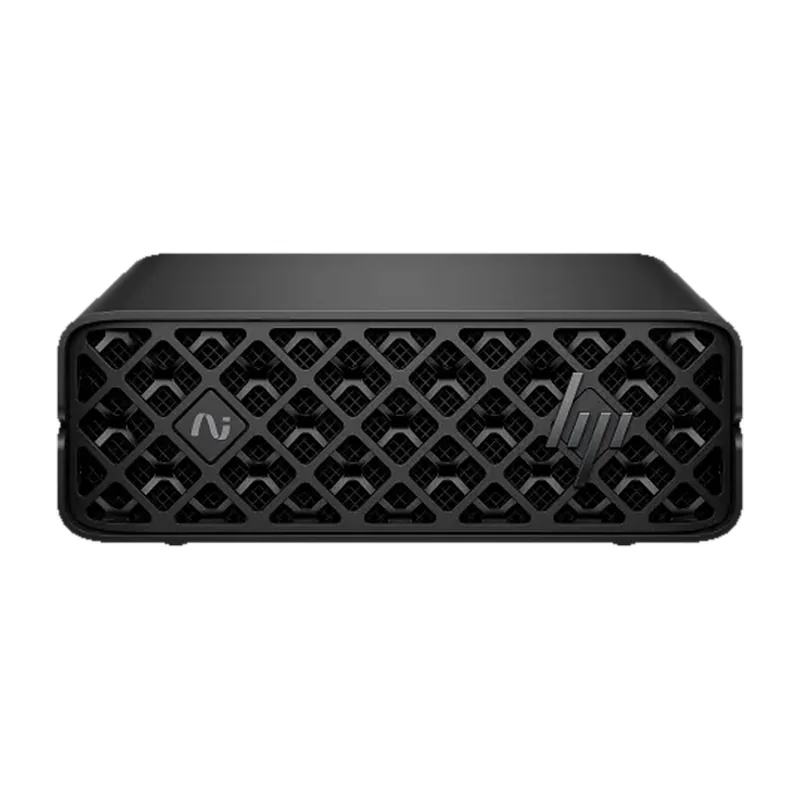 Desktop · AI
NVIDIA GB10 · 128 GB unified memory
Palm-sized AI supercomputer (15 × 15 cm) for building and running large AI models in-house — your data stays on-premises.
Quote this modelMFP solutions
Print, copy and scan without touching shared screens — and without confidential pages left in the tray. HPMDS sets up HP secure-release solutions on your managed MFPs.
HP Secure Print
Jobs wait securely on the PC or in the cloud. At the printer, scan the QR label with the HP Secure Print app and only your documents come out — no touching the screen.
HP Secure Print + HP Universal Card Reader
Tap the same ID or access card you use for the door. If you don't touch the screen for 5 seconds, every job in your queue prints automatically.
HP Roam for Business
Send jobs from a PC, phone or web upload to a secure cloud queue. When you walk up to an enabled printer, your phone prompts you to release any or all of them.
HP Insights
Track print volumes, cost and colour use across the office and for staff working from home, with privacy controls over what is collected.
High-sensitivity HP screens work with a pen, staff badge or card — no skin contact needed to copy or scan.
Capture documents with your phone and send them straight to OneDrive, Google Drive and other cloud services.
Settings and firmware updates are pushed remotely, so fewer technician visits to your office.
| Feature | HP Secure Print | HP Roam for Business |
|---|---|---|
| Where jobs wait | PC, PC + cloud, or on-premise server | HP public cloud |
| Touch-free release | Mobile QR code or badge tap | Mobile app |
| Sign-in | Card, PIN or Active Directory | Card or HP account |
| Print from | Windows, Mac, Linux, Chrome, mobile | Windows, Mac, mobile, web upload |
| Copy & scan control | Yes | No |
| Reporting | Summary & detailed | Basic |
| Colour rights control | No | Yes, by group |
| Best for | Government, enterprise, SMB | Offices, guests, SMB |
Solution availability and compatibility are confirmed per printer model at quotation.
03 — Microsoft cloud
As a Microsoft Authorised Reseller, HPMDS supplies the licences and sets them up — so your new HP laptops arrive ready to sign in, secured, and with Copilot working from day one.
Email, documents, meetings and files in one secure cloud — on HP laptops, phones and the web.
Plans we supply
Copilot drafts, summarises and analyses inside Word, Excel, Outlook and Teams — grounded in your organisation's own data and permissions.
We set up
Business Premium adds enterprise-grade protection for organisations up to 300 users — no extra servers.
We set up
Run workloads and desktops in Microsoft's cloud, paid monthly, scaled up or down as projects change.
We set up
Monthly or annual subscriptions, one invoice, add or remove users as staff change.
Move email, files and calendars from Gmail, old Exchange or file servers — with no lost mail.
New HP laptops ship straight to users and configure themselves through Autopilot + Intune.
Readiness check, permissions clean-up, pilot group and hands-on staff training.
User changes, security alerts and helpdesk — on the same ticket desk as your hardware.
03b — Ownership
Same machines, two ways to pay. Flip the switch to compare.
Operating expense
Capital purchase
04 — Managed devices
The same lifecycle model the big manufacturers run — HP, Dell and Lenovo all offer devices bundled with deployment, monitoring, support and refresh. HPMDS brings it to Sarawak, for every brand in your fleet.
Stage 1 of 5
We audit your current fleet, map users to the right device class and size print volumes — so you pay for what each department actually needs.
Stage 2 of 5
Devices arrive configured and ready to work: imaged, asset-tagged, installed and connected — with old data migrated.
Stage 3 of 5
Remote monitoring watches device health, toner and usage, so most problems are spotted before users notice them.
Stage 4 of 5
One ticket, one owner. Our helpdesk works the issue remotely first, escalates to specialists, and sends an engineer onsite when needed.
Stage 5 of 5
At end of term you move to current hardware instead of nursing ageing machines. Old devices are wiped securely and collected.
05 — Cash flow
Buying a whole fleet at once ties up a large sum on day one. A monthly plan spreads the cost across the contract, so that money can go into projects, stock or new opportunities instead.
Buy outright · day one
—
Monthly plan · whole fleet
—
Capital kept free on day one
—
Illustration only. Monthly figure assumes % over the term for financing, support and services; actual pricing is by quotation. The capital comparison assumes money not spent upfront earns the return you set.
06 — Support
Every request gets a ticket number and an owner. We solve what we can remotely and fast, escalate when it needs a specialist, and send an engineer when it needs hands. Pick an example to watch a ticket move.
You
Web form, email, phone or WhatsApp
Ticket no. issued instantly
HPMDS helpdesk
Phone & remote session
Target: first response within 1 working hour
HPMDS specialist
Deep diagnostics, config & network
Target: same working day
Field engineer
Repair, parts or swap unit at your site
Target: next working day (Kuching)
You confirm
Root cause noted, report updated
Monthly service report
For HPMDS-managed devices. You'll get a ticket number straight away and an email acknowledgement.
07 — Who we serve
Ministries, departments and agencies — MOF-registered Bumiputera supplier, familiar with ePerolehan, sebutharga and tender documentation.
Kerajaan PersekutuanUPK Class C registration for State agencies, local councils and statutory bodies across Sarawak.
Kerajaan NegeriMulti-branch fleets, managed print contracts and refresh programmes with a single point of accountability.
Swasta08 — Credentials
Registered contractor, Sarawak
Ministry of Finance registered
HP Amplify partner programme
Managed print services
Authorised channel partner
Licensing & Microsoft 365
09 — How we work
Site visit, print volumes, user counts and the specification you need to meet.
Compliant quotation or tender response — lease or purchase, clearly itemised.
Delivery, installation, network set-up and user handover.
Toner, servicing and meter reporting for the life of the contract.
10 — Talk to us
Tender, sebutharga or a quick quote — tell us what you need and we'll reply within one working day.